


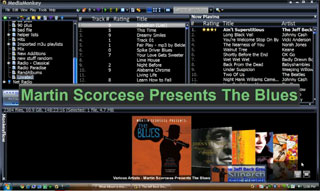
 VoxCommando is an independent software application that adds voice control to a number of popular media player and home automation applications — not only Windows Media Center, but also XBMC, iTunes, MediaMonkey, MediaPortal, and EventGhost.
We’ve been working with VoxCommando’s author, James Richards, to help add direct support for the Amulet Voice Remote when used with VoxCommando.
His additions allow VoxCommando to automatically detect when the Amulet radio link is idle and turn off voice recognition to save CPU cycles. It also automatically lowers the music volume when the Amulet microphone is active, to avoid loud music interfering with spoken commands. On-screen indicators track the current microphone state to provide additional visual feedback.
If you’re interested in Amulet, but not using Windows Media Center, or using a language other than English, this is great news — you can now use VoxCommando with Amulet and get all the benefits of voice control through a convenient hand-held device.
 After seeing a demo of the
 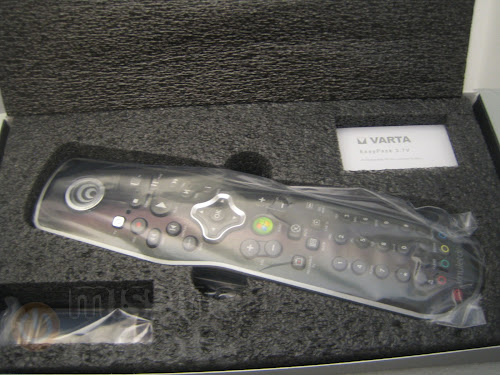 It’s great to finally have the product shipping, and you know it’s hit the real world when you see the first review. Mike Garcen over at MissingRemote.com was quick out of the blocks and got his hands on the first of the first of a kind Amulet Voice Remote Control. He seemed pretty happy with the performance and quality, but that’s perhaps to be expected for a keen user. Still it’s great to get feedback and see someone enjoying a new way of interacting with their Media Center. I’d like to comment on a few of the points he made during his


